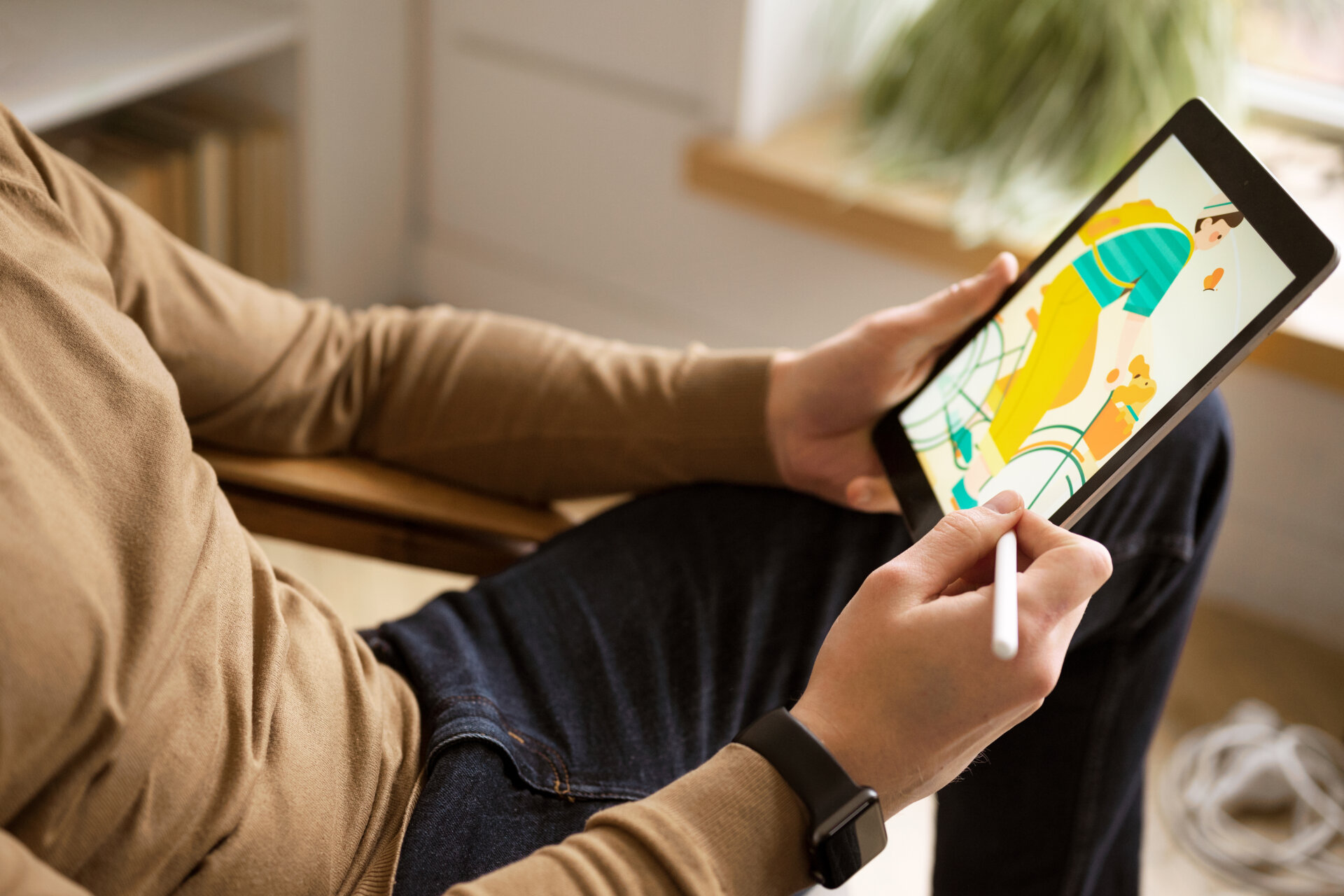
What hasn’t gone digital nowadays? From payment methods to gaming to AI Girlfriend Websites, everything is digital. In line with this, digital painting has rapidly become one of the most popular media in the art world. Now that tablets, styluses, and software are more advanced, creating high-quality art digitally is more accessible than ever.
If you have always been fascinated by digital painting, you have found the perfect guide! Specifically, this article explores tools, software, techniques, and resources that will help you get everything you need to begin an exciting digital art journey.
What Is Digital Painting?
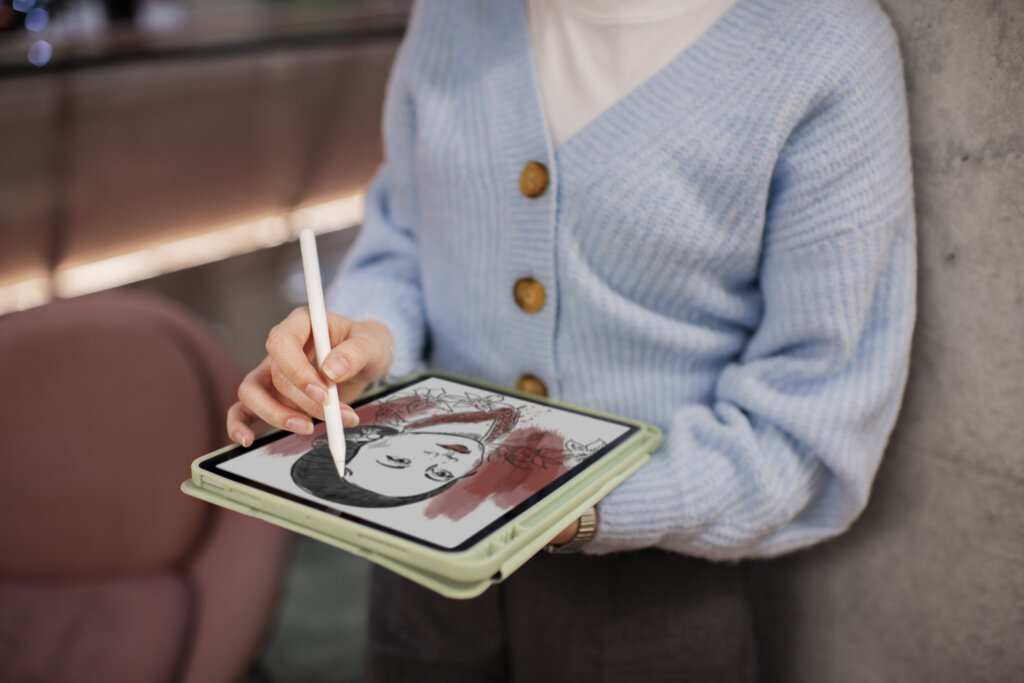
Of course, it is a must to understand what digital painting is before diving into the intricate details. Digital painting is when someone creates artwork, a drawing, or a painting on a tablet, computer, or another similar medium. It allows artists to experiment, undo mistakes, and explore limitless artistic options with ease.
Some individuals also wonder, “Is digital painting real art?” Yes, it is! It is recognized in both professional and hobbyist circles. One way to see the growing legitimacy of digital media is the emergence of art illustration books.
Traditional Painting vs Digital Painting
Is digital painting easier than traditional? It depends on who you ask and on their preference. Right off the bat, digital is more accessible in terms of suitability and ease of use. Compared to traditional painting, the modern version allows for more flexibility. With traditional art, mistakes are infinitely harder to erase and change compared to digital art. Usually, digital art can be modified and mistakes unmade in a matter of seconds. This fundamental difference could be enough to sway someone to the digital side of the painting.
Digital Painting vs Digital Illustration
This is where another confusion kicks in. To make things clear, digital painting contains various roles and encompasses several artwork styles. Meanwhile, digital illustration is a type of digital painting.
Essential Tools for Digital Painting
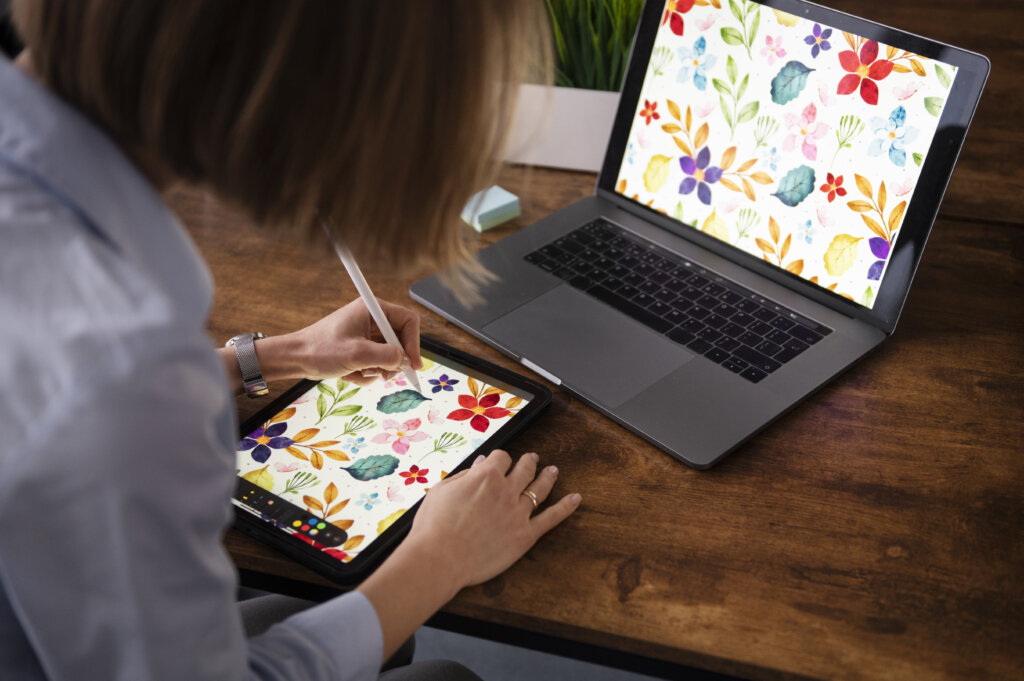
Choosing the paint or draw device is critical. You will need to find the best digital art tablet for beginners to ensure a smooth start. However, don’t think this is a cakewalk by any measure. You need to be analytical here. To help you avoid checking out multiple drawing tablet ranking lists, let us take a look at some basic tablets, their fundamental differences, and see which fits your style the most.
Graphic Tablets
Graphic tablets are some of the most common tools to digitally paint with. They allow the user, with the assistance of a stylus or pen-like instrument, to draw right on the surface. There is currently a surge in graphic tablets using LCD screens to draw immediately. Think of something like an iPad or Nook, add a stylus pen, and that’s what that particular graphic tablet is like.
Benefits
- It’s Natural
Drawing with a graphic tablet can genuinely offer some of the most accurate drawings you can find on the market. Drawing on the tablet and computer is as close to naturally drawing on paper as you can get, and the software is only getting better.
- Pressure
The pressure you place on many tablets can actually affect the density and intensity of the pencil or brush strokes. Press down hard, and a pencil stroke is dark and pronounced. Likewise, if the pressure is low, the pencil stroke looks light and airy. This is called pressure detection. This adds much-needed nuance to your artwork that can make graphics tablets the way to go.
Most Popular Models
- Wacom Intuos Pro
- Xencelabs Pen Display 16
- Xencelabs Pen Display 24+
All-In-One Tablets
All-in-one tablets are those that can do many things with one product. This is usually used in terms of a tablet that can have something like a keyboard attached to it.
Benefits
- Ease of Use
All-in-one tablets are fantastic for nearly everything. They work as illustrators, computers, streaming devices, everything.
Most Popular Models
- Apple iPad Pro
- Wacom Cintiq Pro/Movink
- Surface Pro 11
- Galaxy Tab S11 Ultra
Best Software for Digital Painting
After the hardware, choosing the right software is also vital. In fact, both are equally important. Once again, here are a few recommendations to help you streamline the selection process:
Adobe Fresco (Free)
Adobe Fresco somehow works similarly to Procreate. It allows users to blend multiple brushes and has Apple Pencil integration.
Adobe Photoshop (Paid)
Adobe Photoshop is an all-around program. It offers a wide array of tools for digital painting. Plus, Photoshop is cloud-based.
ArtRage (Paid)
ArtRage delivers a realistic painting experience through a highly customizable interface.
Corel Painter (Paid)
Corel Painter also provides a realistic painting experience. Additionally, it can replicate natural media accurately and is compatible with brush plugins of Photoshop.
Krita (Free)
Krita has a comprehensive set of features and a customizable interface, making it a good alternative to paid options.
Apple Procreate (Paid)
Apple Procreate is perfect for on-the-go artists. It offers several kinds of brushes and also features Apple Pencil integration for better sensitivity.
Techniques for Digital Painting
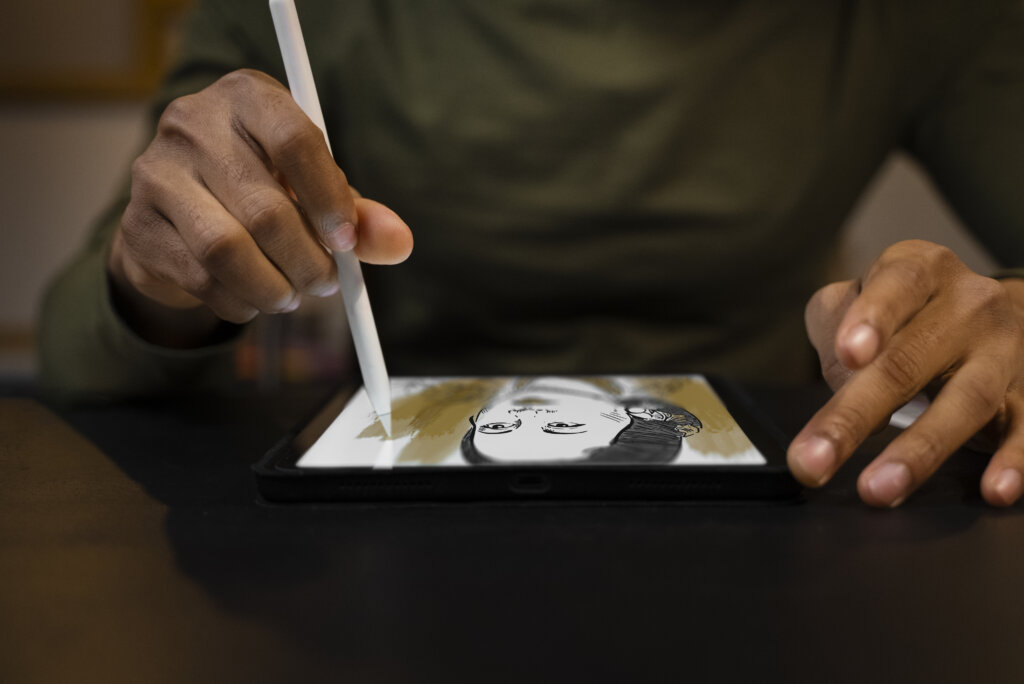
Learn the User Interface
The user interface of your tools and software refers to what you see when you boot up a program. Learning can be done by accessing tutorials for a specified program or model, or only by good old trial and error.
Master Keyboard Shortcuts
Keyboard shortcuts for artists are aspects of drawing and painting that can make things super easy. By applying shortcuts to whichever program or device you’re using, you can quickly transition from paintbrush to more natural with a click. With digital painting, it’s all about making the process less complicated than traditional painting.
Understand Layers, Brushes, and Erasers
Layers are what’s used in digital painting to add depth and scope to your works of art. Knowledge of layers is an absolute, non-negotiable must for digital artists. On the other hand, the bread and butter of digital painting, brushes, and erasers are your tools of the trade. You’ll create (or erase) your works of art with these various tools. This is perfect for experimenting and trying new things.
Practice Printing and Display
Learning how to make a digital print or how to make digital photo adaptations enables artists to showcase their works in different venues. If you want to take it further, you can explore digital painting on wall techniques to merge the art of traditional and modern painting.
Find a Mentor
Seeking mentorship from a past instructor or professor, or even a former or current student you admire, is a fantastic way to broaden your artistic horizons.
Engage in Collaborative and Community Learning
Finding a positive and helpful community of fellow artists is a crucial aspect of painting and drawing. Having the support and criticism from others is an invaluable tool. Likewise, participating in art commentary community forums can accelerate learning and foster creativity.
Build a Strong Foundation
Focusing on foundational art skills is crucial. One way to do it is by combining lessons from drawing OCs, digital art classes, and online painting workshops. You can also gain structured learning through platforms, such as Udemy – digital painting master class : beginner to advanced, Digital Drawing Courses, and Online Digital Drawing Classes. Moreover, digital art for kids programs are available to spark creativity early in young artists.
Find Good Resources
With online resources, you can find tutorials for nearly everything you could ever want to use. In the same sense, books remain an invaluable resource for refining one’s craft. Some types include books for illustrators, fine art books, books for painters, and more. If you are looking for the best books to learn painting, you can check out:
Career in Digital Painting
Turning your hobby of digital painting into a career is possible as long as you possess the right attitude, hard work, and persistence. Among the different career opportunities, you can become a Concept Artist, Character Designer, Keyframe Illustrator, and many more. It is also financially rewarding, with average yearly salaries ranging between $32,000 to $77,000 depending on the position.
Final Thoughts
Digital painting offers a whole new creative avenue for artists of all levels. With the art form continuously evolving, learning the necessary tools and software and adapting relevant techniques is a must to thrive in this dynamic and rewarding medium.

